
Welcome Back!
I’ve been planning and researching since March, and finally took the leap. I’m excited to share that I launched my TPT store today! I created a set of digital backgrounds, which was really fun. I like getting to design and create, and during the school year it’s harder to find time for that, so I love that I have this time in the summer. I posted it for free (you should check it out!) as all first items are required to be, so go and get yourself some free backgrounds! Why not? 🙂
I still feel like I have quite the learning curve to go–it took me hours to create the product, the thumbnail, the description, and the copyright info! The best advice I’ve received in that regard is to save everything as templates! Hopefully that will make things simpler going forward.
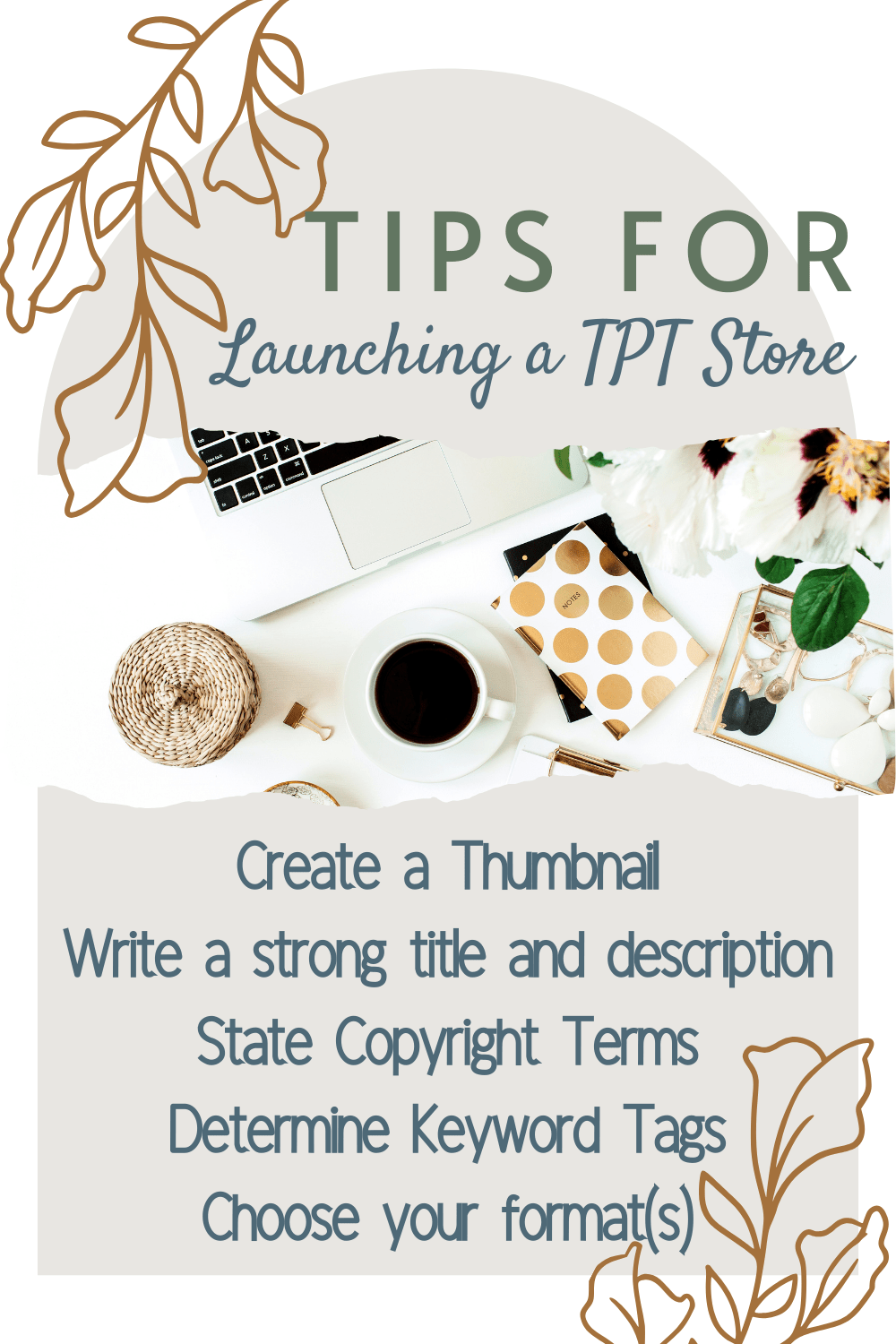
If you are thinking to start a TPT store, a few things to keep in mind for your first listing:
- Create a thumbnail for your product. 1080 x1080 pixels is the recommended size. I used Canva to format it, which worked really well. I took some time to look at other listings for similar products to see how they set up their thumbnails, which was helpful. Keep your product name large, have good photos or screen grabs of your product, and keep the rest simple. You also have the option of uploading other product images for a preview. I didn’t do this for my first product because I was able to show everything in the thumbnail, but this is a great option to keep in mind moving forward.
- Create a title and description of your product–again, I referenced what other sellers included, and then used what I liked as inspiration. Keep in mind that when people search for an item or subject, those words get highlighted on your product in the search results, so try to include the most important keywords you think a shopper might use.
- List your Copyright policies. Many sellers also include a link, but you’ll want to write out your most important policies right in the description. Be sure to include if you are allowing personal or commercial use, since certain resources you might want to target towards TPT sellers/creators.
- Determine Product Tags. You get 3 subject tags and 3 category tags, with many categories to choose from. I didn’t check how others tagged their products, so I may have over-simplified mine.
- Decide on a format to upload. I only have Google Drive at present, so my products will all be available that way, but you can create PDFs or JPEGs that people can download as well. Once I get further along I would like to offer products in multiple formats to reach more customers, which is something you may want to consider. A note for Google Drive–they make it super easy to share–literally just post a link to the content, but they do note you can never delete the product from your files or it can cause issues with your store. I’m retitling products I have posted with a TPT tag, and linking them into a spreadsheet I created to track my projects, marking them as posted there as well.
There are a few things I learned, just to get you started. I’ll keep you posted with updates as I learn more. Until then, have fun creating!


 Thrilled to Teach Third
Leave a comment